Best Family Organisation Apps in 2026: Compared & Ranked
We compared the best family organisation apps for 2026 across tasks, calendars, shopping lists, home inventory and AI, so you can pick the right one fast.
Family OrganisationShort answer: pick the app that matches your household's biggest pain point. For a shared calendar and free basics, choose Cozi. For shopping and recipes, AnyList. If you already live in a task manager for work, Todoist. If you love building your own system, Notion. If you want tasks, calendar, shopping, home inventory and an AI assistant in one place on iPhone and the web, that's OneHaus.
We tested five apps against the jobs a real household actually does each week: assigning chores, keeping a shared calendar, building a shopping list everyone can edit, tracking home and car admin, and reducing the typing it takes to keep all of that current. Pricing below was last checked on 2 March 2026. Below the shortlist you'll find a feature table, a pick-by-need guide, and answers to the questions families ask most. For how OneHaus fits a family specifically, see the OneHaus for families page.
What Households Actually Need
A household that shares chores needs a way to assign tasks, set recurring schedules, and rotate the jobs nobody wants. This is where the "mental load" usually hides: the invisible work of remembering, planning and chasing that quietly lands on one person. A good app makes ownership visible so it stops being one person's job to track everyone else.
If only one person can see the calendar, appointments get missed. Shopping lists only work when everyone can add to them in real time, from wherever they are. And if you own a house, a car, or a pet, there's a surprising amount of admin (warranties, MOTs, vaccinations) that needs tracking somewhere.
Beyond the basics, how you interact with the app matters too. If adding a task takes six taps and a form, people stop using it. We counted: in Cozi, adding a single task is a tap to open the list, a tap into the field, the typing, then save. With a natural-language AI assistant you can say "add milk to the shopping list" or "book a boiler service next Tuesday" and skip the form entirely. That difference in friction is usually what decides whether an app survives past the first fortnight. The other deciding factor is access: everyone needs to reach the same information from their own device and from the web.
The Apps
OneHaus
OneHaus is an AI-powered household management app built for families and shared households. It brings tasks, a shared calendar, shopping lists, home inventory, and an AI assistant into one app.
Tasks support recurring schedules and automatic rotation between household members, so chores are distributed fairly without manual reassignment. The shared calendar syncs with Apple Calendar and Google Calendar, giving everyone visibility into what's coming up. Shopping lists update in real time across all devices, with items automatically sorted by aisle. Recipes let you save meals and add ingredients directly to a shopping list.
Home inventory lets you track appliances, vehicles, pets, warranties, and important documents in the same place you manage daily tasks. The AI assistant understands natural language, so you can say "add milk to the shopping list" or "schedule a boiler service for next Tuesday" without navigating through menus. Use it on iPhone, in any browser on the web, or through a connected AI assistant. There's a free 7-day trial, then one household subscription covers everyone, so you're not paying per person.
Cozi
Cozi is a free family organiser built around a shared calendar, shopping lists, and to-do lists. It's been around for over a decade and has a large, loyal user base.
The shared calendar is its strongest feature. Colour-coded by family member, it gives everyone visibility into appointments and events. The shopping list is simple and syncs in real time, and the to-do lists cover basic task assignment.
Cozi doesn't include home inventory tracking, AI features, or any automation beyond basic reminders. To-do lists are straightforward, with no task rotation or advanced scheduling. Available on iOS, Android, and web. Free with adverts, or roughly $39/year for Cozi Gold which removes them (Cozi pricing, checked 2 March 2026).
Todoist
Todoist is a general-purpose task manager used by millions of people for work and personal productivity. It's not built specifically for families, but its shared projects and strong feature set make it a common choice for household coordination.
Natural language input is a standout. Type "pay rent every 1st of the month" and Todoist creates the recurring task with the right date automatically. It also offers two-way calendar sync with Google Calendar and Outlook, and the AI assistant on paid plans can help with scheduling and prioritisation.
Todoist has no household-specific features like chore rotation or a family concept. There's no dedicated shopping list, no home inventory tracking, and no warranty or document storage. Available on iOS, Android, Windows, Mac, Linux, and web. The free plan is limited; Pro costs roughly $48/year (Todoist pricing, checked 2 March 2026).
AnyList
AnyList is a shopping list and recipe app built for grocery management. If your main pain point is coordinating what to buy, it's one of the best options available.
Shopping lists auto-sort items by store aisle, update in real time across devices, and integrate with online grocery services. The recipe manager lets you import recipes from the web and add ingredients to your list in one tap. A meal planning calendar helps with weekly planning.
AnyList is narrowly focused on shopping and cooking. There's no general task management, no chore assignment, no home inventory tracking, and no AI input beyond basic voice commands through Siri or Alexa. Available on iOS and Android. The free plan covers the basics; AnyList Complete costs roughly $10-15/year (AnyList pricing, checked 2 March 2026).
Notion
Notion is a flexible workspace that combines documents, databases, and project management. It's not a household app, but many people adapt it for home management using custom databases and community templates.
The flexibility is genuinely powerful. You can build a chore tracker, a home inventory with warranty dates, a vehicle maintenance log, and a family wiki all in one workspace. The template marketplace has hundreds of pre-built home management setups. AI features on paid plans can generate content and summarise information.
The trade-off is setup effort. Nothing works out of the box for household management. You either build it yourself or find and customise a template, which often means an evening or two before it's usable. Per-seat pricing also adds up for families. The Plus plan costs $10/user/month, so a family of four would pay roughly $480/year (Notion pricing, checked 2 March 2026). Available on iOS, Android, Windows, Mac, and web.
How They Compare
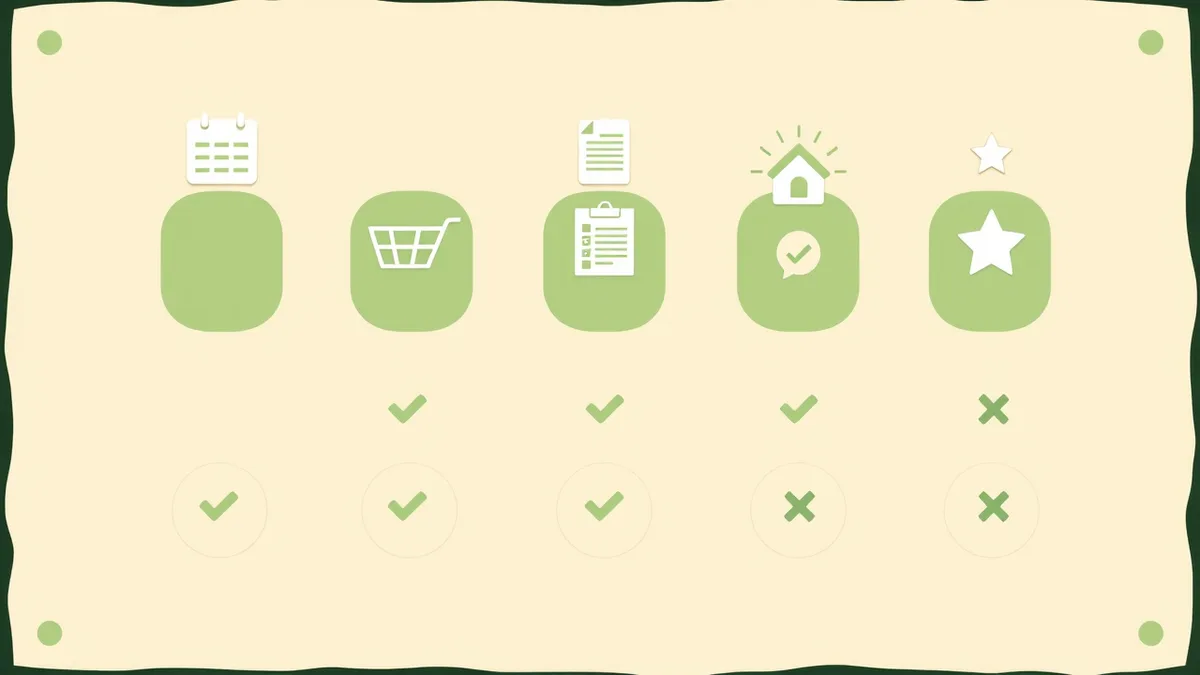
| Tasks | Calendar | Shopping | Inventory | AI | Platforms | |
|---|---|---|---|---|---|---|
| OneHaus | Strong (with rotation) | Yes | Yes (with aisle sorting) | Yes | Yes | iOS, web, AI assistant |
| Cozi | Basic | Yes (read-only sync) | Yes | No | No | iOS, Android, web |
| Todoist | Strong | Two-way sync | No | No | Yes | iOS, Android, desktop, web |
| AnyList | No | Meal planning only | Excellent | No | Voice (Siri/Alexa) | iOS, Android |
| Notion | DIY | Built-in view | DIY | DIY | Yes (paid) | iOS, Android, desktop, web |
Choosing Based on What Your Household Needs
The fastest way to choose is to name the job that creates the most weekly stress, then pick for that:
- Mainly a shared calendar and basic lists. Cozi covers this well and costs nothing. The colour-coded calendar is its real strength.
- Shopping and meal planning are the pain point. AnyList is purpose-built and does it very well, with aisle sorting and recipe imports.
- You already live in a task manager for work. Extending Todoist to home tasks works, though you'll manage shopping and inventory elsewhere.
- You enjoy building your own system. Notion can handle almost anything if you'll invest the time, but cost and complexity scale quickly for families.
- You want one app for the whole household. Tasks, calendar, shopping, home inventory and AI together is where OneHaus fits, on iPhone and the web.
All-in-one or a stack of specialist apps?
Some guides argue you should build a "stack": one primary hub plus a specialist app for shopping and another for chores. That can work, but every extra app is another place to check, another login for everyone to remember, and another spot where something gets added in the wrong place. The more apps in the stack, the more often the family quietly drifts back to the group chat. An all-in-one keeps everything in a single view, which is usually what actually gets used.
Households this comparison doesn't fully cover
A few common needs sit outside the five apps above, and they're worth flagging so you choose with open eyes:
- Mental load and chore distribution. If the friction in your home is one person carrying every reminder, prioritise an app that makes task ownership and rotation visible rather than one that just stores a list. OneHaus rotates recurring chores automatically; Cozi and Todoist keep ownership but won't rotate it for you.
- Separated or blended families. None of these five is purpose-built for co-parenting across two homes with custody schedules and shared expense splitting. If that's your situation, look at a dedicated co-parenting app instead of a general organiser.
- Location sharing for teens. General organisers leave this to your phone's built-in family sharing. If live location matters, pair your organiser with Apple or Google family sharing rather than expecting it from the app.
- Gamifying chores for younger kids. If points and rewards are what get the children involved, a kid-focused chore app adds motivation that the productivity tools here don't.
Start your free OneHaus trial
If you want tasks, a shared calendar, shopping lists, home inventory and an AI assistant in one place, start a free 7-day OneHaus trial. One subscription then covers the whole household, so nobody pays per seat, and you can use it on iPhone or in any browser.
Start your free OneHaus trial and add your first shared task in under a minute.
Frequently Asked Questions
What is the best family organisation app in 2026?
There isn't one winner for every household, because the right app depends on your biggest weekly headache. Cozi is the best free shared calendar, AnyList is the best for shopping and recipes, Todoist suits households already using it for work, and Notion suits people who like building their own system. If you want tasks, calendar, shopping, home inventory and an AI assistant in a single app on iPhone and the web, OneHaus is built for exactly that.
Which app is best for reducing the mental load?
Choose an app that makes task ownership and rotation visible rather than one that just stores a shared list. The mental load problem is one person quietly tracking, remembering and chasing everything. OneHaus rotates recurring chores between members automatically so the responsibility moves around on its own. Cozi and Todoist keep clear ownership but won't rotate jobs for you.
Is one all-in-one app better than several specialist apps?
For most families, yes. A stack of specialist apps means more logins, more places to check and more chances for something to land in the wrong app, which is how households drift back to the group chat. An all-in-one keeps everything in one view, which is usually what actually gets used. A stack only wins when one job is genuinely demanding enough to need a dedicated tool.
Are these family organisation apps free?
Several have a free plan: Cozi is free with adverts, and Todoist, AnyList and Notion all have limited free tiers. OneHaus works differently, with a free 7-day trial followed by a single household subscription that covers everyone, rather than charging per person or per feature.
Do these apps work on iPhone and the web?
All five run on iPhone. Cozi, Todoist and Notion also have web access, and Todoist and Notion add desktop apps. OneHaus runs on iPhone and in any browser on the web, so everyone in the household can reach the same information from their own device or a laptop.
What about separated or blended families?
The five apps here are built for a single household. If you co-parent across two homes and need custody schedules and shared expense splitting, a dedicated co-parenting app will serve you better than a general organiser. Use a general app for the day-to-day inside each home and a specialist tool for the cross-household coordination.
Detailed Comparisons
Want a deeper look at how OneHaus compares to each app? Check out our individual comparison pages: