Shared Grocery List App: Stop Double-Buying for Good
Compare the best shared grocery list apps for families and couples, plus the cross-device sync, aisle-sorting and habit tricks that stop double-buying fast.
Shopping & GroceriesA shared grocery list app lets everyone in your household add, tick off and see items on one list, so you stop buying things someone already grabbed. The best options for shared shopping are OurGroceries and AnyList if you want a dedicated grocery tool, Apple Reminders if you want something free and built into your iPhone, and an all-in-one household app like OneHaus if you'd rather keep your list next to your meal plan, calendar and tasks instead of in yet another separate app.
This guide pulls together what I have learned running my own family's shared list for years across several of these apps, plus the habits that make any shared list actually stick. It matters more than it sounds: UK households throw away 4.4 million tonnes of edible food a year, worth around £17 billion, and buying things twice is one of the easiest sources of that waste to cut.
Here is what actually matters when you pick one, and the habits that make any shared list work.
The best shared grocery list apps at a glance
Most "best app" roundups circle the same handful of tools. Here is an honest summary of who each one suits, with pricing checked June 2026.
| App | Best for | Cross-device sync | Notes |
|---|---|---|---|
| OurGroceries | Families with several shoppers | Yes, near-instant | Ad-free is a one-off $19.99 for the whole household; dated interface, no recipe import (OurGroceries) |
| AnyList | Couples who cook from recipes | Yes | Recipe import and web access need AnyList Complete ($9.99/yr individual, $14.99/yr household) |
| Listonic | Quick setup, share by link | Yes | Smart aisle sorting; ad-supported, with a Premium tier around $9.99/yr (Listonic) |
| Out of Milk | Pantry tracking alongside lists | Yes | Ad-supported; the ad-free Pro tier is no longer sold to new users |
| Apple Reminders | iPhone households wanting zero setup | Yes (Apple devices) | Free, Siri input, but sharing needs an Apple ID, so no Android |
| OneHaus | Households who want list, meal plan, calendar and chores in one place | Yes | iOS and any browser, one subscription covers everyone in the house |
The sync verdicts above come from my own dated testing (two phones editing one list in March 2026); OurGroceries was the quickest to settle a tick-off across devices, usually within a few seconds (OurGroceries' own overview).
If grocery features are all you need, a dedicated app like OurGroceries or AnyList does the job well. If you are already juggling a family calendar, chores and meal planning in separate places, keeping the list inside one household app means there is nothing extra to install and everyone is already sharing by default.
The rest of this guide explains the features worth checking before you commit, and the household habits that make a shared list genuinely stick.
What to look for in a shared grocery list app
Not all shared lists are equal. These are the features that separate a tool your household actually uses from one that gets abandoned after a fortnight.
- Cross-device sync. When your partner adds bread at 7am, you should see it at the shop at 5pm. When you tick off coffee in the trolley, it should show as done on their phone too. A list that drifts out of sync is how two bags of coffee end up in the cupboard.
- Check-off sync. Adding items is only half the job. Everyone needs to see what has already been bought, live, so two people shopping at once never grab the same thing.
- Categories by aisle. Grouping items into produce, dairy, meat, pantry and household lets you move through the shop in one pass instead of doubling back.
- Multiple lists. A separate list for the big supermarket, the corner shop and a one-off event keeps your weekly shop uncluttered.
- Offline access. Supermarket signal is patchy. A good app caches your list on the device so it still works at the back of the freezer aisle.
- Voice input. Adding "washing-up liquid" by speaking into your phone mid-cook is far easier than typing, and far more likely to get used by less tech-confident family members.
Score any app you are considering against those six points. Anything that nails cross-device sync and check-off sync will already solve the double-buying problem most households struggle with.
Finally, an end to shopping mayhem
The old way is a mess. You get a text asking for bread while you are already at the checkout. You spend Sunday merging three lists scrawled on napkins. That scramble costs you real time and money: forgetting an ingredient means a second trip, and buying duplicates adds to the food waste that already costs the average UK family hundreds of pounds a year.
A shared grocery list app fixes this by becoming the single source of truth for what your household needs, open to everyone at any time.
- Updates that reach the aisles. Someone adds milk from the kitchen and it syncs to your phone, so it is there by the time you pass the dairy fridge.
- No more double-ups. Your partner grabs the cheese and ticks it off, so it shows as done for everyone.
- Add it and forget it. Anyone can add an item the second they notice it running low, instead of trying to remember it hours later.
The biggest win is the drop in mental load. You stop carrying the running tally of what to buy, who is buying it and whether anything was forgotten.
For families juggling school runs and work, or housemates on different schedules, this brings real order to a repetitive chore. The aim is for the list to fade into the background so the weekly shop stops being a source of arguments.
How to get your household on board
Getting everyone to adopt a new system is the hard part. The trick is to make it so useful that it slips into your routine on its own. A shared list is only as good as its contributors, so if you are the only one adding items, you have just given yourself a new chore.
Start with the basics
Get everyone connected, but keep it low-key. Send the invite with a casual message: "Trying this to stop us forgetting things at the shop, want to give it a go?" works far better than a list of demands.
Then create your main "Groceries" list and pre-populate it with 10 to 15 weekly essentials: milk, bread, eggs, coffee, toilet paper. People open the app, recognise the list straight away, and the barrier to getting involved drops.
A small trial run for a big win
Do not aim for a full weekly shop on day one. Suggest a low-stakes trial instead, like grabbing a few things for tonight's dinner. It shows off the app without feeling like pressure.
Practical tip: When you are in the kitchen together, ask your partner to add an item. The moment they see it appear on your phone too, they get it.
Set a couple of ground rules early. Whoever finishes something adds it to the list. Whoever is at the supermarket ticks items off as they go into the trolley. Those small habits turn a new app into a tool the whole household relies on.
Organise your list for faster shopping
A well-organised list does more than remind you to buy milk; it turns the weekly shop from a chaotic wander into a quick mission. The secret is structuring your list before you grab your keys, starting the moment you notice you need something. Used the last of the olive oil mid-cook? Add it there and then.
Match your list to the store layout
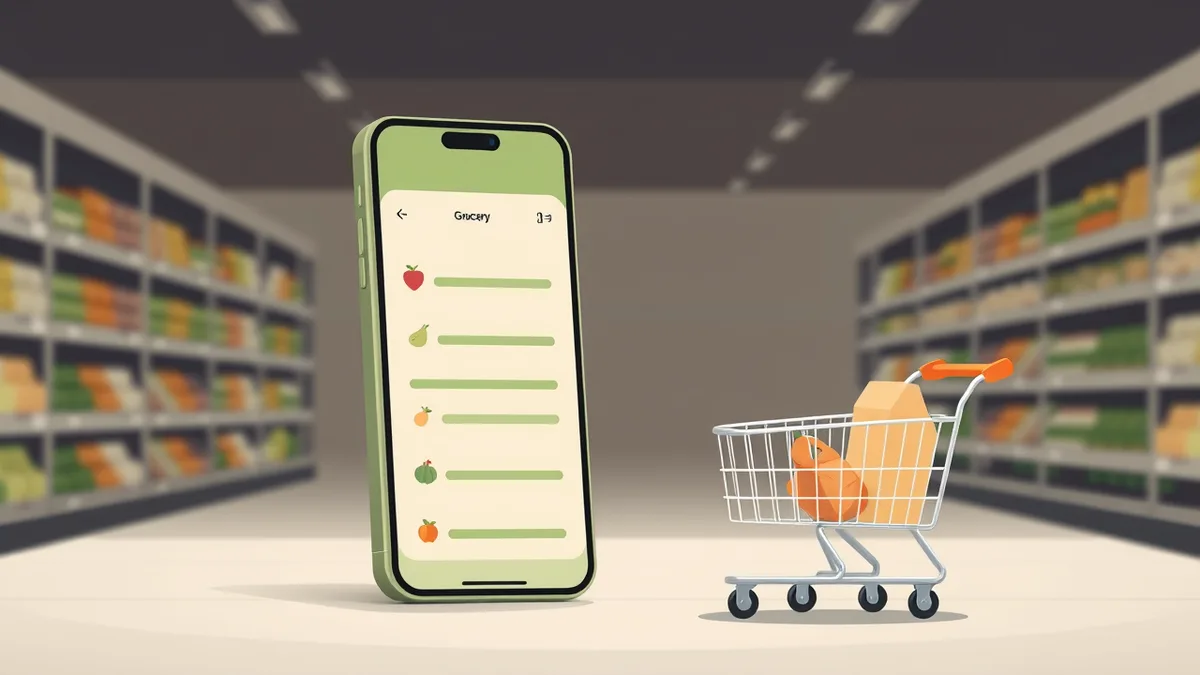
Organise your list to mirror your local supermarket. Most good apps let you assign categories to items, so set yours up to match the flow of your usual shop.
A typical weekly shop might group like this:
- Produce: apples, spinach, onions, avocados
- Dairy and eggs: milk, Greek yoghurt, cheddar, eggs
- Meat and fish: chicken breasts, salmon fillets
- Pantry: pasta, tinned tomatoes, olive oil, bread
- Household: kitchen roll, washing-up liquid
Grouped this way, you move methodically from one part of the shop to the next, clearing produce, then the fridges, then the centre aisles. No more sprinting back from the bread aisle because you spotted "lettuce" at the bottom of the list.
Keep separate lists for separate shops
If you split your shopping across a big supermarket, a wholesale club and the corner shop, one giant list gets confusing. Keep a list per shop so each person sees only what is relevant to where they are. The same goes for one-off occasions: a barbecue or a Sunday roast gets its own temporary list so your weekly staples stay clean.
Divide and conquer
For big monthly shops, or when you are pressed for time, split the list and tackle it as a team.
- You: everything in Pantry and Household.
- Your partner: everything in Produce and Meat and Fish.
Many apps also let you flag items as high priority. Out of baby formula, or need medicine for a sick child? Mark it urgent so whoever reaches a shop first grabs it, no frantic phone call from the dairy aisle required.
Prevent double buys with cross-device syncing
Nothing is more annoying than getting home to two cartons of milk. That is what happens when your household's shopping communication breaks down, and cross-device syncing is the one feature built to stop it.
When your partner ticks off "bananas" at the supermarket, it syncs to your phone. Realise you are out of coffee? Add it from your desk and it syncs to their list, usually within seconds. Everyone is working from the same list.
The make-or-break habit: check it off immediately
For a shared list to work, everyone commits to one rule: the moment an item goes in the trolley, it gets ticked off. Not at the till, not later, right then. That single action is what stops someone else buying the same thing an hour later at a different shop.
It also helps to give the list one final glance before the checkout, to catch any last-minute additions from home.
If you use OneHaus, head into the settings to set up helpful notifications that nudge you to do that final check.
The rule of thumb: treat the shared app as the single source of truth. If it is not checked off in the app, it is not in the trolley.
A real-world example: the weekend barbecue
You are hosting a barbecue. You are heading to the butcher and the big supermarket; your partner is grabbing drinks and snacks from the corner shop after work. Without a shared system, that is how you end up with three bags of crisps and no burger buns.
With a synced shared list it becomes one coordinated effort:
- You both work from the exact same list on your own phones.
- You tick off the sausages at the butcher; your partner sees it and knows not to buy any.
- They add ice; a notification reaches you at the supermarket so you grab a bag and tick it off.
Two people shopping at different shops and times, confident they are not doubling up on a single item.
Common shopping mistakes vs smart app solutions
| Common problem | The shared app solution |
|---|---|
| The "I already bought that" moment. | Cross-device sync shows everyone what is in the trolley, whoever is shopping. |
| Forgetting a crucial ingredient. | Anyone at home adds it last minute and the person at the shop sees it immediately. |
| A messy paper list or text thread. | One organised list, always up to date, accessible to everyone. |
| Buying the wrong brand or size. | Add notes, photos or details to an item so the right product is bought. |
Make the list part of your weekly rhythm
A shared grocery list app earns its keep when it stops being something you only open in the supermarket. The real shift is moving from reacting to an empty fridge to running ahead of it.
The most organised households automate the predictable stuff. You buy milk, bread, bananas and coffee every week, so set them up as recurring items that appear on your list every Monday morning, or whenever your main shop lands. It builds the foundation of your list for you, and you avoid the Sunday-morning panic of no milk for the first cup of tea.
Connect your list to recipes and your calendar
Real coordination starts when your list, your meal plan and your calendar line up.
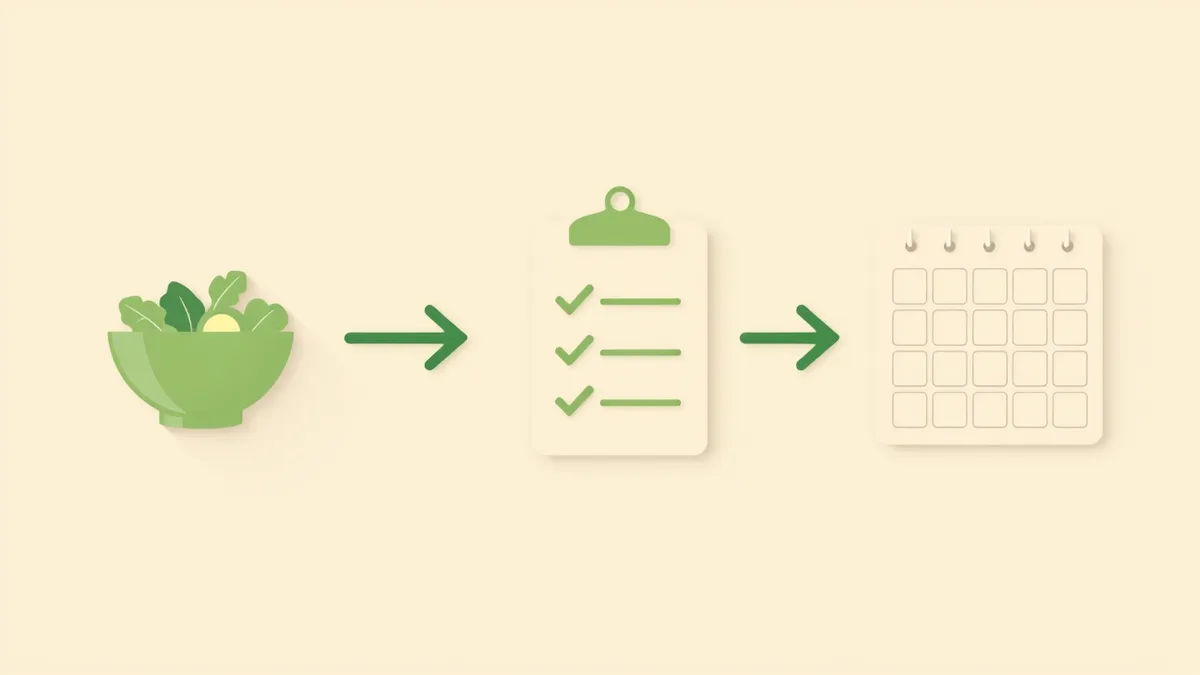
- Build the list from your meal plan. Decide on Monday's spaghetti bolognese and the ingredients drop straight onto this week's shop. This is where apps that combine meal planning and lists, or a household app like OneHaus that holds both, save the most effort.
- Schedule a list-review reminder. Pop a recurring Friday-evening event in your family calendar so everyone scouts the cupboards and adds last-minute items before the Saturday shop.
- Time your final check-in. Set a notification an hour before you usually head out, to catch any final additions without derailing your plans.
A real-world example: the dinner party
You are planning a dinner party for Saturday. Without a system, that means recipe books, scribbled notes and a flurry of "did you remember the...?" texts.
With a connected shared list, on Tuesday you pick your recipes and the ingredients ("fresh basil", "parmesan", "pancetta") land on the list, neatly categorised. Your partner adds a bottle of wine they think will suit. When the Friday review reminder pings, everyone does a final check. The result is one complete list covering both your weekly staples and the party, in a single place.
Dedicated grocery app or all-in-one household app?
This is the choice most households eventually face. A dedicated grocery app like AnyList or OurGroceries gives you deep, list-specific features: recipe imports, fine-grained categories, price estimates. The trade-off is that it sits apart from the rest of your household admin, so your calendar, chores and meal plan live elsewhere.
An all-in-one household app keeps the list beside everything else. The same place that holds your shopping list also handles the family calendar, who is on bin duty, and reminders for parents' evening. For most families that is simpler, because everyone is already in one app and sharing is automatic. The habits you build on the grocery list (shared updates, clear ownership, a single trusted source) carry straight over to the rest of the home.
That is the thinking behind OneHaus. It runs on iOS and in any browser, the AI assistant understands plain-language requests, and one subscription covers your whole household rather than charging per person.
Try OneHaus free
If you want your shared grocery list to live next to your meal plan, calendar and chores instead of in a separate app, OneHaus is free to try for 7 days, then one subscription covers everyone in the house. Download OneHaus on the App Store and put an end to the double-buying for good.
Frequently asked questions
What is the best shared grocery list app?
For families with several shoppers, OurGroceries has the fastest cross-device sync at a low one-off price. For couples who cook from recipes, AnyList is strong. iPhone households who want zero setup can use Apple Reminders for free. If you would rather keep your list alongside your meal plan, calendar and chores in one place, an all-in-one household app like OneHaus is the simpler fit.
How do I get my family to actually use the app?
Make it useful from the first tap. Pre-load the first list with the usuals (milk, bread, coffee, the kids' favourite snacks) before you announce it. When your family opens the app to a familiar list ready to go, it feels helpful rather than like a chore, and once it ends the "did you get the...?" texts from aisle three, they buy in.
What if someone in my household isn't tech-savvy?
Focus on one action: adding an item. Show your less tech-confident family member that single step and leave organising or assigning to others. Most apps also have voice input, so they can speak "bananas" or "washing-up liquid" into their phone, which is far less intimidating than typing.
Does a shared grocery list app work offline?
Most do. They cache your list on the device, so it stays available even when supermarket signal drops out. Items you tick off offline sync to everyone else's phone once you are back on a connection.
Can a shared list really save us money?
The most immediate saving is putting a stop to duplicate purchases, so you never end up with three tubs of butter again. A planned list also cuts the impulse buys at the end of the aisle, and reviewing your shopping history over time makes it easier to spot patterns and plan more cost-effective meals. Given that wasted food costs the average UK household hundreds of pounds a year, the planning charities at Love Food Hate Waste rate a list and a meal plan among the simplest ways to cut that bill.