OneHaus now adds tasks, events and shopping from a photo
OneHaus can now read a photo. Snap a receipt, appliance label, letter or flyer and the assistant turns it into tasks, events and shopping list items for you.
Product NewsSome things are quicker to photograph than to type. Starting today, you can send the OneHaus assistant a photo and it reads the details for you, then creates the right tasks, events, shopping items and inventory records. Point your camera at a receipt, an appliance label, a school letter or an event flyer, and let OneHaus do the typing.
Why we built it
So much of running a home arrives on paper and packaging. The boiler service letter with a date you need to remember. The appliance label with a model and serial number you will want when something breaks. The receipt from the big shop. The flyer for sports day. Typing all of that into an app is exactly the kind of admin nobody has time for.
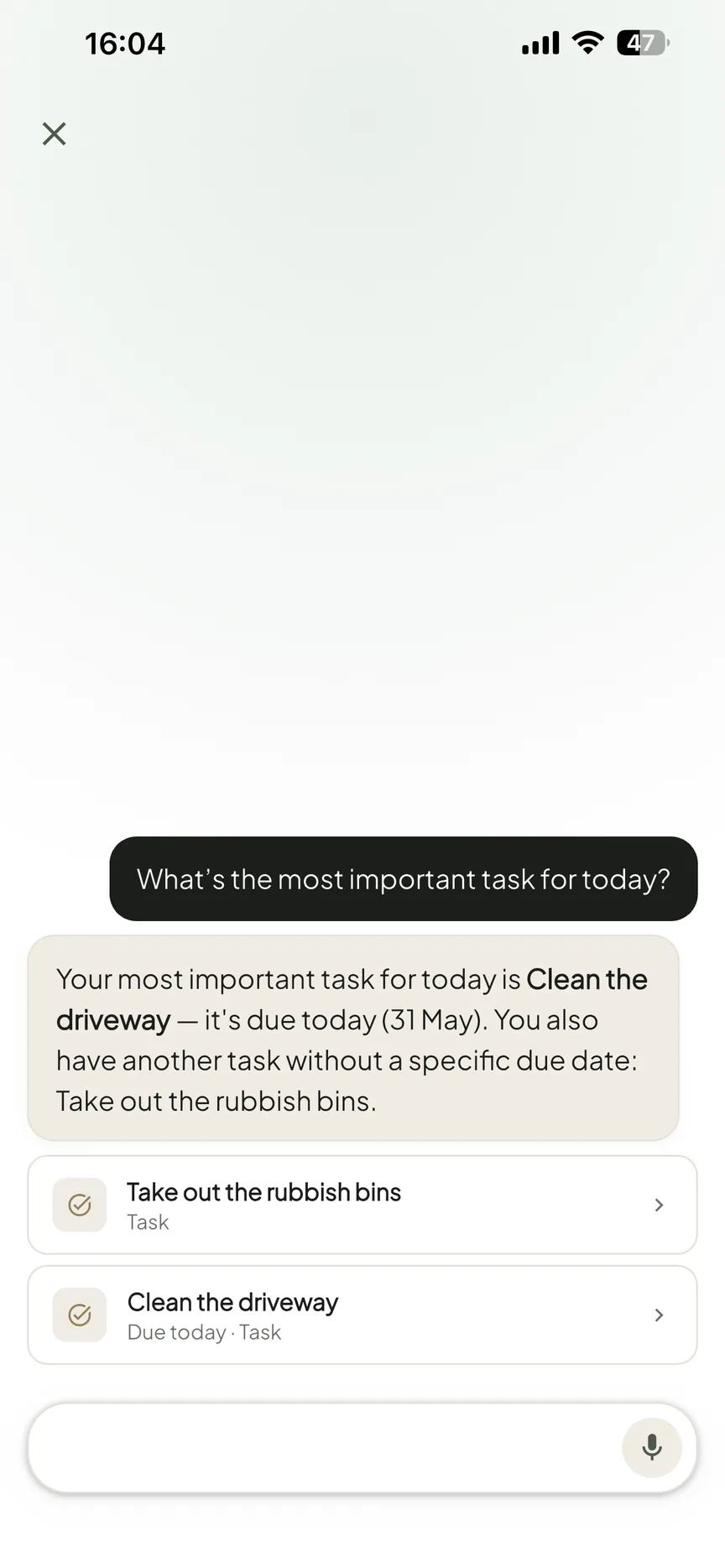
The OneHaus assistant already turns a sentence into the right action. Now it does the same with a picture. You snap the photo, OneHaus reads it, and the details land where they belong, ready for you to check.
How it works
Open the assistant and tap the photo button to take a new picture or pick one from your library. Add a short note if it helps ("this is the new dishwasher") or send the photo on its own. OneHaus reads what is in the image, pulls out the useful details, and creates the matching items in your household.
Your photo is compressed on your device before it is sent, so it uploads quickly even on a slow connection. And you stay in control: OneHaus shows you what it created so you can edit or remove anything before you carry on.
What it can read
- Receipts and shopping photos become shopping list items, or a record of what you bought.
- Appliance and electronics labels become a home inventory entry with the make, model, serial number and warranty.
- Letters and bills become a calendar event or task, so a renewal or appointment never slips.
- Event flyers and invitations become a date, time and place on your shared calendar.
- Business cards become a saved contact with the phone number and email.
- Handwritten notes become tasks or shopping items.
If something in the photo is unclear, OneHaus asks a short question rather than guessing.
Share a photo straight from your phone
You do not have to open OneHaus first. From your phone's photo library or camera, tap share and choose OneHaus. The photo goes straight to the assistant, which reads it and adds the right items to your household. It is the fastest way to deal with a piece of paper the moment it lands in your hands.
Your photos stay yours
OneHaus is built privacy-first. Photos you send to the assistant are compressed on your device, read to pull out the details, and not kept afterwards. We do not sell your data, share it with advertisers, or use it to train AI models. As always, your household data is yours, and you stay in control of every change the assistant makes.
Start with a free trial
Adding a photo to the assistant is part of OneHaus Pro. Every plan starts with a free 30-day trial, and one household subscription then unlocks every feature, with unlimited household members at no extra cost. Current pricing is shown in the app.
Available now on iOS and Android
Photo input is rolling out now on iOS and on Android via Google Play. Snap your first receipt or appliance label and let OneHaus do the typing.
Frequently asked questions
What can OneHaus do with a photo?
Send the assistant a photo of a receipt, appliance label, letter, flyer, business card or handwritten note, and OneHaus reads it and creates the right tasks, events, shopping items, contacts or inventory records. You can review and edit anything it adds.
Is photo input available on Android?
Yes. OneHaus is on the App Store and on Android via Google Play, and photo input works across both. Head to the download page to get started.
Do I need OneHaus Pro to add photos?
Yes. Adding a photo to the assistant is part of OneHaus Pro. Every plan starts with a free 30-day trial, and one household subscription then unlocks every feature for everyone in your home. Current pricing is shown in the app.
Are my photos private?
Yes. Photos are compressed on your device, read to pull out the details, and not kept afterwards. We do not sell your data, share it with advertisers, or use it to train AI models. Our privacy policy spells out how assistant data is handled.
What makes a good photo?
One clear, well-lit photo with the receipt, label or letter filling the frame reads best. If the text comes out blurry, retake it, and add a short caption when the photo needs context.
Related
- Add Anything From a Photo. The full guide to sending photos to the OneHaus assistant.
- AI for Household Management: How Natural Language Changes Everything. How talking to your home gets things done.
- How to Track Your Home Inventory: Appliances, Warranties, and More. Keep on top of warranties, services, and renewals.
- The Ultimate Shared Grocery List App Guide. Stop double-buying and shop from one synced list.
- Meal planning is now built into OneHaus. Plan the week from your recipes, shop in one tap.