Meal planning is here: plan the week, shop in one tap
Meal planning is now live in OneHaus. Plan the week's meals from your saved recipes, then send every ingredient to your shared shopping list in one tap.
Shopping & Groceries"What's for dinner?" is the most asked question in any household, and somehow it never gets easier. Today it does: meal planning is now live in OneHaus, on iOS, on Android, and in your AI assistant.
Plan the week's breakfasts, lunches, dinners and snacks from the recipes your household already keeps in OneHaus, then send every ingredient to your shared shopping list in one tap. The question gets answered once, for everyone, for the whole week.
One week, one view
The new meal planner shows your week at a glance, Monday to Sunday. Every day has slots for breakfast, lunch, dinner and snacks, and every member of your household sees the same plan, kept in sync across the iPhone and Android apps.
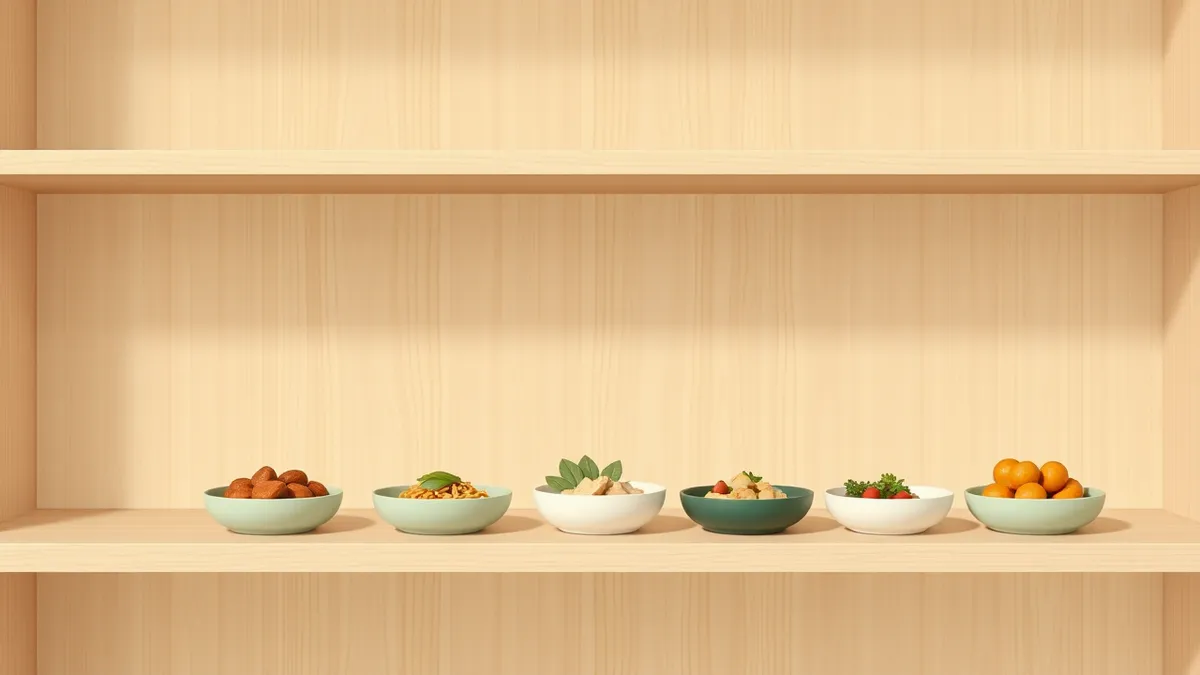
Filling a slot takes seconds:
- Pick a recipe from your household's saved collection, or
- Add a custom meal by name, like "Leftovers night" or "Dinner at Grandma's"
You can set servings and add notes to any meal, so "take the chicken out of the freezer tonight" lives right where you'll see it.
From plan to shopping list in one tap
This is the part that saves your Saturday. Once the week is planned, OneHaus collects the ingredients from every recipe you've scheduled and offers them to your shared shopping list.
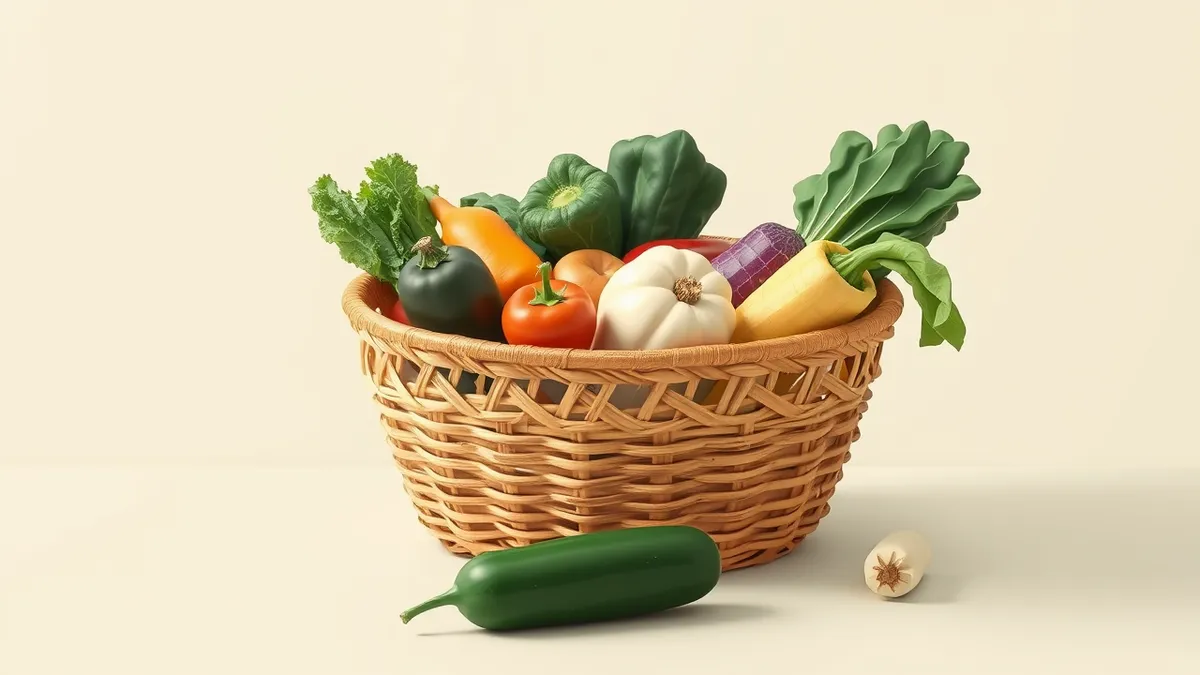
- Add a single day's ingredients before a quick shop, or the whole week before the big one.
- Everything is pre-selected; untick what you already have in the cupboard.
- The same ingredient across two recipes is merged, with quantities added together.
- Items land in your list already sorted into shop sections, so you can work aisle by aisle.
No more copying ingredients out of a recipe one line at a time, and no more discovering halfway through cooking that nobody bought the garlic.
Recipes got better too
Meal planning builds on the recipe collection your household already shares in OneHaus, and recipes picked up an upgrade of their own: you can now add a recipe's ingredients to your shopping list from your iPad as well as from your iPhone. Keep the recipe open on the big screen, send the ingredients to the list, and cook.
If you're new to recipes in OneHaus, the Recipes guide covers saving your household favourites, linking the original source, and managing ingredients.
Plan with a sentence
OneHaus speaks plain language, and meal planning is no exception. Ask the OneHaus assistant, or your own AI assistant connected to OneHaus, to do the planning for you:
- "Plan spaghetti bolognese for Friday dinner"
- "What's planned for this week?"
- "Move Thursday's dinner to Saturday"
The plan it builds is the same plan your household sees in the app, ready to turn into a shopping list.
Available today
Meal planning is part of OneHaus Pro and is rolling out to all households now. Open the app, head to Meal plan, and plan your first week. If your household isn't on OneHaus yet, get started and download the app for iPhone or Android.
The Meal Planning guide walks through everything above in more detail.
One plan, one list, one less question to answer every evening. Enjoy the week back.
Related
- The weekly meal planner guide. Build a planning routine your whole household can keep.
- The ultimate shared grocery list guide. Where your planned ingredients land, synced for everyone.
- OneHaus now adds anything from a photo. Snap a receipt or label and let the assistant do the typing.