Shared Shopping List App: One List for the Whole Family
Stop buying duplicate milk. See how a shared, real-time shopping list keeps your whole household in sync on iPhone and iPad, sorted by aisle, with voice add.
Shopping & GroceriesThe Duplicate Milk Problem
You stop at the shop on the way home, pick up milk, and walk through the door to find your partner already bought some. Uncoordinated shopping wastes money, fills the fridge with duplicates, and still misses the things you actually needed.
The fix is one shared list that everyone in the house can see and edit in real time. If you want the short version: OneHaus gives your household a single shared shopping list that syncs instantly across every iPhone and iPad, sorts by aisle, and lets anyone add items by voice. You can start a free 7-day trial and have your first list running in a couple of minutes.
The rest of this guide covers what separates a list that lasts from one that falls apart in a fortnight, how a purpose-built app compares to the messaging-thread or notes workaround most families try first, and the exact routine that keeps a family list alive.
What a Good Shared Shopping List Looks Like
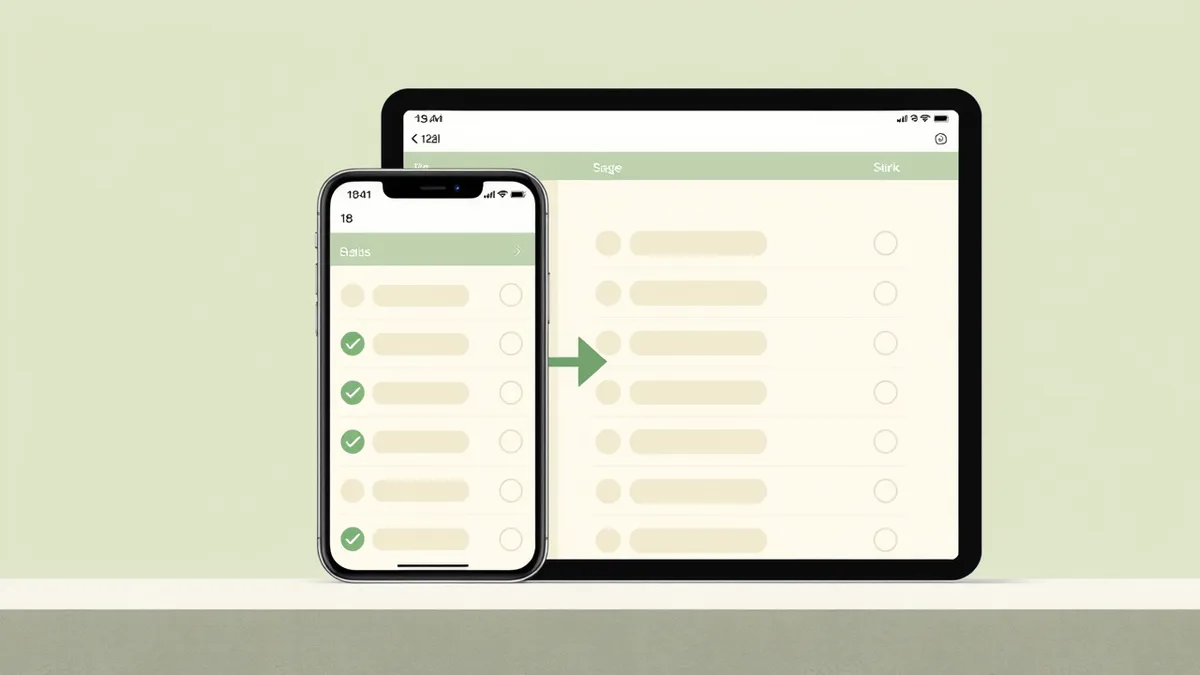
Real-time updates across devices
When someone adds an item, everyone sees it straight away. No syncing delays, no "I didn't see your message." Real-time updates mean the list is always current, whether you are at home or already in the shop. This is the single feature families rank above everything else: your partner adds milk at 7am and you see it at the shelf at 5pm.
Add items from anywhere
You notice you are running low on coffee at 7am. Your partner spots a deal on laundry detergent at lunch. Your teenager needs ingredients for a school project. Everyone should be able to add to the list whenever the thought strikes, from whatever device they have to hand.
Check items off at the shop
Tick things off as you go. Checking items off in real time also lets anyone watching the list at home know what has already been bought, which avoids the last-minute duplicate run.
Beyond the Basics
Quantities and specifics
"Bread" is not always enough. Sometimes you need "2x wholemeal, sliced." A good shared list lets you add quantities and notes so the person doing the shopping knows exactly what to get. The same applies to brands, sizes, and substitutions: a quick note like "the big tub, not the small one" saves a phone call from the cereal aisle.
Aisle and category sorting
A list written in the order you thought of things sends you zig-zagging across the shop. A list grouped by aisle, with produce together, tinned goods together, and chilled items last, turns a twenty-minute trip into ten. You stop doubling back, and the cold things spend less time in the trolley.
Voice and hands-free capture
The best moment to add an item is the moment you notice it, which is usually when your hands are full. Speaking to the list rather than tapping through forms is what makes "add it now" actually happen. With OneHaus you can say "add 2 pints of semi-skimmed and a loaf of wholemeal" and the right items land with the right quantities, no typing required.
One list, or several
Some households shop at more than one place: a weekly supermarket run, the butcher, the bulk warehouse trip once a month. Being able to keep separate lists, or filter one list by where you are buying, stops the warehouse items cluttering the Tuesday top-up.
A Simple System for a Shopping List That Actually Works
Most "shared list" attempts fall apart within a fortnight because nobody agrees on how to use it. The app is rarely the problem. Adoption is. The best list is the one your whole family will actually open, not the one with the most features that only one person ever touches. Here is a five-step routine that keeps a family list running for the long haul.
- One list, one home for it. Pick a single place everyone adds to and delete the rival lists. Two competing lists are worse than none, because now nobody trusts either.
- Add the moment you notice. The right time to add washing-up liquid is when you see the bottle running low, not when you next sit down. Capture beats memory every time.
- Be specific when it matters. Quantities, sizes, and brands for anything where the wrong choice means a second trip. Leave the rest loose.
- Assign the run, not just the list. Decide who is actually going, so two people do not both "pop to the shop" on the same evening.
- Tick as you shop, review as you unpack. Checking off in real time tells the rest of the house what is handled. A quick glance while unpacking catches anything that got missed and seeds next week's list.
Run this for two weeks and the duplicate buys, the "we are out of bin bags again" surprises, and the unnecessary trips tend to disappear on their own.
Why a Purpose-Built List Beats the Workarounds
Most households start with whatever is already on the phone, and most of those workarounds quietly fail.
- A messaging thread buries items under conversation, and there is no way to tick anything off. By Thursday the bread you asked for on Monday has scrolled past three school-run debates and a meme.
- A notes app rarely syncs cleanly between two people, and it has no concept of "bought." You end up with one person's edits silently overwriting the other's.
- Paper or memory works right up until the one week it does not, which is the week you drive home without the thing you went out for.
A purpose-built shared list does the one job properly: shared, current, sorted for the shop, and easy to act on. If you are weighing up the specific apps families choose between, our shared grocery list app guide compares the main options and where each one fits.
How OneHaus Shopping Lists Work
OneHaus gives your household a shared shopping list that updates in real time across every iPhone and iPad. Add items with quantities, check them off as you shop, and use bulk selection to manage several items at once. Sort by aisle so the list follows the layout of the shop rather than the order you happened to think of things.
You can also add items by simply telling the AI assistant what you need. Say "add 2 pints of semi-skimmed milk and a loaf of wholemeal" and the right items land with the right quantities. The assistant, which runs on AWS Bedrock, understands your household's context, so it knows which list you mean. Because the shopping list lives in the same app as your shared calendar and tasks, the weekly shop stops being a separate thing you have to remember and becomes part of how the household already runs.
Start your free 7-day trial of OneHaus and set up your first shared list. One subscription covers everyone in the household, on iPhone and iPad.
Frequently Asked Questions
How do I share a shopping list with my family?
Create a list in OneHaus and invite your household members. Once they accept, everyone can add, edit, and tick off items, and changes appear in real time on every device.
Can more than one person edit the list at the same time?
Yes. Shared lists in OneHaus update in real time, so one person can add items at home while another ticks them off in the shop without anything getting out of sync.
Will a shared list stop us buying duplicates?
In most cases, yes. Because everyone sees the same up-to-date list and items get checked off as they are bought, there is far less chance of two people picking up the same thing.
Can I organise items by supermarket aisle?
Yes. OneHaus can sort your list by aisle or category, so your shopping follows the layout of the shop and you spend less time doubling back.
Can I add items by voice or with AI?
Yes. You can type or speak to the AI assistant and it adds the right items with quantities to your shared list, which is handy when your hands are full in the kitchen.
Is OneHaus free?
OneHaus comes with a free 7-day trial. After that it is a single subscription that covers your whole household, so there is no per-person cost as you add family members.