Co-Parenting App Guide: Keep Two Households in Sync
What a co-parenting app needs to do, how to pick one for amicable or high-conflict situations, and how a shared household organiser keeps two homes running.
Family OrganisationA co-parenting app is shared software that helps separated or divorced parents run the practical side of raising children across two homes: the custody schedule, handovers, school events, kit that needs to travel between houses, and the day-to-day messages that keep both parents in the loop. The right one depends on how much you need: amicable co-parents usually want a clean shared calendar and lists, while high-conflict situations need expense tracking and a tamper-proof message log.
This guide covers what a co-parenting app should actually do, the questions to ask before you pick one, and where a shared household organiser fits if your situation is more "two busy homes" than "courtroom".

What a co-parenting app needs to do
Strip away the marketing and every co-parenting app is trying to solve the same five problems. Use this as your checklist.
- A shared custody schedule. Both parents see the same calendar of who has the children when, including handover times and the inevitable swaps. This is the core. If the calendar is clumsy, nothing else matters.
- Activities and appointments in one place. School plays, dentist visits, football practice, party invitations. Both parents need to see these without one acting as a messenger.
- Shared lists. What needs to move between houses (the PE kit, the inhaler, the comfort toy), plus shopping each home is responsible for.
- Reminders that reach both homes. A reminder the evening before a handover or a non-uniform day stops the "I didn't know" arguments.
- A record of agreements. For some families a friendly message thread is enough. For others, a time-stamped log that cannot be edited later is essential.
The mistake is assuming you need all five at full strength. Most separated parents need the first four done really well, and only a minority need a court-grade message log.
Amicable or high-conflict? Pick the right tool
Co-parenting apps split into two broad camps, and choosing the wrong camp is the most common reason people abandon one.
For amicable co-parenting, where you and your ex communicate reasonably and just need to stay coordinated, a heavy legal-grade app is overkill. The custody schedule, shared activities and lists are what you touch every day, and a clean, fast tool you both actually open beats a feature-stuffed one that feels like paperwork. Many parents in this situation use a shared family organiser rather than a dedicated co-parenting product.
For high-conflict co-parenting, where communication is strained or there is a legal dimension, you need the things a general organiser does not offer: expense tracking with reimbursement requests, a message log that is time-stamped and cannot be altered, and exportable records for solicitors or mediators. Dedicated products such as OurFamilyWizard and TalkingParents exist specifically for this, and if your situation needs them, use them. We would rather send you to the right tool than oversell ours.
A practical test: if the phrase "tamper-proof record" makes you nod, you are in the high-conflict camp and should look at a specialist app first. If it makes you wince, a shared organiser will serve you better and cost less.
The main co-parenting apps compared
If you have been searching "best co-parenting app UK" you will have met the same handful of names. Here is what each one is actually for, so you can match it to your situation rather than picking the one with the loudest reviews. None of these is "the best" in isolation. The best one is the one that fits how you and your co-parent actually communicate. Pricing in this category moves fast, so confirm the current cost on each vendor's own site before you commit (this table was checked June 2026).
| App | What it does | Who it suits |
|---|---|---|
| OurFamilyWizard | Shared calendar, expense tracking, and a tamper-proof message log with a tone-checking feature. Often recommended by courts and mediators. Paid annual subscription per parent. | High-conflict or legally involved co-parents who need documentation. |
| AppClose | Shared calendar, expense tracking, and messaging. Free for over a decade, but it moved to a paid subscription on 1 January 2026 (around $8.99/month per parent; fee waivers available). | Co-parents who want one all-inclusive tool and do not mind a monthly fee. |
| TalkingParents | Tamper-proof message records and call transcripts, with recorded calls, built specifically for documentation. | Parents who need a defensible record of communication. |
| 2houses | Shared calendar, expense splitting, and a shared journal, with bilingual and international support. | Co-parents across two countries or languages who want everything in one place. |
| amicable | A UK service supporting amicable separations and divorce, with co-parenting and finance tools alongside legal help. | Separating couples in England and Wales who want a one-stop amicable route. |
| coParenter | Calendar and messaging with built-in guidance and on-demand mediation features. | Co-parents who want help resolving disagreements as they happen. |
| OneHaus | A shared household organiser: one calendar, shared lists, and reminders across two homes. Not a legal documentation tool. | Amicable co-parents who mainly need everyday logistics kept in sync. |
A quick way to read the table: the top of it leans towards documentation and dispute, the bottom towards everyday coordination. Most separated parents need less than they think. If your real problem is "we keep double-booking and forgetting the PE kit" rather than "we need a record for court", you are looking at the bottom rows.
Questions to ask before you commit
Before you and your co-parent settle on anything, agree on these together. Picking an app one of you hates guarantees it gets ignored.
- Does it work on the phones we both own? If one of you is on iPhone and the other on Android, you need something with a native app on both platforms.
- Can we both edit, or is one of us read-only? Two-way editing matters. A calendar only one parent can change just recreates the messenger problem.
- How much does it cost, and who pays? Some co-parenting apps charge per parent per year. Agree who covers it before you start.
- Can the children see their own schedule? Older children calm down a lot when they can check for themselves whose house they are at on Friday.
- What happens to our data if we stop? Check you can export the calendar and close the account cleanly.
Where a shared household organiser fits
If you landed in the amicable camp, here is the honest pitch. OneHaus is a shared household organiser, not a legal co-parenting platform, and for two homes that mainly need to stay coordinated it does the everyday job well:
- One shared calendar for the custody schedule, handovers and every activity, editable by both parents on iPhone or Android.
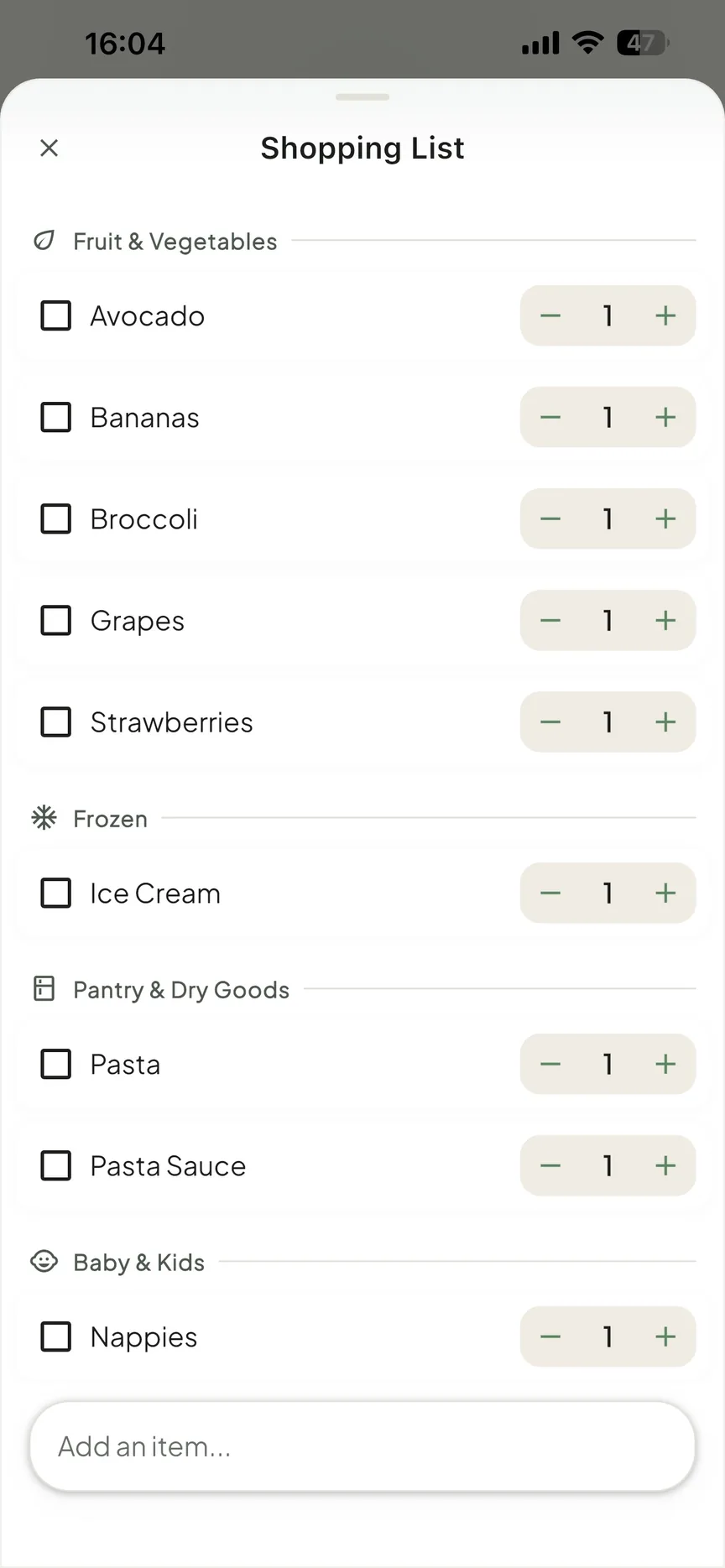
- Shared lists for the kit that travels between houses and the shopping each home handles.
- Reminders that fire before handovers, non-uniform days and appointments, so neither parent is caught out.
- One subscription covering everyone, rather than charging each parent separately.
What it deliberately does not do is expense reimbursement or tamper-proof messaging. If you need those, a specialist app is the right call. But for the large group of separated parents who simply want the week to be visible to both homes without endless back-and-forth, a shared organiser is lighter, cheaper and far more likely to actually get opened.
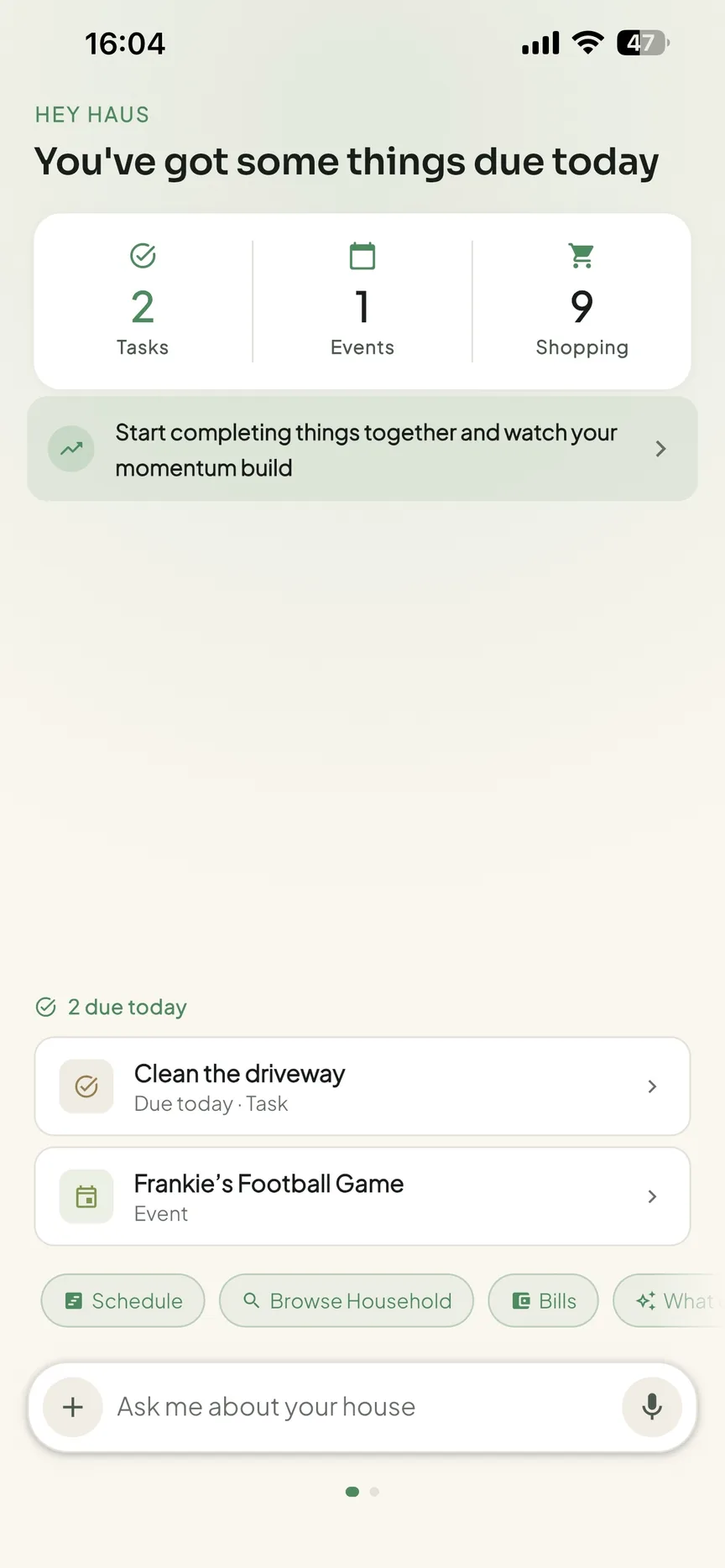
If that sounds like your situation, start a free 30-day OneHaus trial and put both homes on the same page. See how OneHaus works for co-parents running life across two homes. For the wider setup, our guide to a family shared calendar walks through building a schedule everyone can rely on.
Are co-parenting apps used in UK family court?
This is one of the most common questions, and it is worth answering plainly. Records and messages from documentation-focused apps such as OurFamilyWizard and TalkingParents are designed to be referenced in proceedings, with time-stamped logs that cannot be edited after the fact, and they are commonly cited in UK family matters as evidence of how parents have communicated and what was agreed. That is the whole point of a tamper-proof log.
What is important to understand is that this does not make them automatically admissible. A record being tidy and time-stamped does not guarantee a court will rely on it, and how any evidence is treated is a decision for the court and the people advising you. If your situation has a legal dimension, follow your solicitor's advice on what to record, how to record it, and which app, if any, they prefer you to use. Some prefer a specific platform because they are familiar with its export format.
This is general information, not legal advice. For neutral, non-commercial guidance on child arrangements and contact in the UK, CAFCASS is the body that advises the family courts in England, and the National Association of Child Contact Centres supports families managing handovers and supervised contact. Both are good starting points before you spend money on any app.
A shared household organiser like OneHaus sits firmly outside this picture. It is built for everyday coordination between two homes, not for producing court-grade records, and we would not pretend otherwise. If documentation is what you need, choose a tool built for it.
Make it work, whatever app you choose
The app is only half of it. A few habits make co-parenting software stick:
- Agree the rules once. Decide together that the shared calendar is the single source of truth, so "it wasn't on the calendar" becomes a real answer rather than an excuse.
- Colour-code by parent. A glance should tell anyone whose week it is.
- Put recurring patterns on repeat. Most custody schedules follow a pattern (week on, week off, or every other weekend). Set it once as a recurring event rather than typing it in monthly.
- Keep messages factual. Whatever tool you use, treat written messages as if they could be read aloud later. It keeps things calm and, if it ever matters, keeps the record clean.
- Build a handover checklist. The friction in two-home life is rarely the schedule itself, it is the kit. A short, repeatable list of what travels with the children (the inhaler, the comfort toy, the charger, the school reading book) turns every handover from a memory test into a quick scan. Keep it as a shared list so either parent can update it.
- Review the pattern each term. School timetables, clubs, and exam seasons shift the rhythm of the week. A quick look at the recurring schedule at the start of each term catches the changes before they cause a missed pickup, rather than after.
These habits matter more than the app you pick. A simple tool used consistently beats a powerful one that one parent quietly stops opening, and consistency is what stops the same arguments coming back round.
Frequently asked questions
What is the best co-parenting app?
There is no single best one, because amicable and high-conflict situations need different things. For high-conflict co-parenting with a legal dimension, specialist apps like OurFamilyWizard or TalkingParents offer expense tracking and tamper-proof message logs. For amicable co-parents who mainly need a shared schedule and lists across two homes, a shared household organiser such as OneHaus is lighter and cheaper. Match the tool to the situation, not the other way round.
Do co-parenting apps work across iPhone and Android?
It depends on the app, so check before you commit. Some are iPhone-only or Android-only, which is a problem if you and your co-parent are on different phones. Look for one with native apps on both platforms so the phone each parent carries stops mattering.
Can children use a co-parenting app too?
Often yes, and it helps. Older children who can open the shared calendar and see whose house they are at, or what they need for school tomorrow, ask fewer anxious questions and feel more in control of the back-and-forth. Check whether the app allows a child view or a shared family login.
Is a co-parenting app worth paying for?
For most separated families, yes, because the cost is small next to the stress it removes. The thing to watch is the pricing model: some co-parenting apps charge each parent separately, which doubles the bill. A shared organiser that covers the whole household on one subscription usually works out cheaper for amicable co-parents.
Which co-parenting apps are used in UK family court?
Documentation-focused apps such as OurFamilyWizard and TalkingParents are the ones most often referenced in UK proceedings, because they keep time-stamped message logs that cannot be altered later. That said, no app's records are automatically admissible, and how any evidence is treated is for the court to decide. If there is a legal dimension to your situation, ask your solicitor which platform they would like you to use before you commit.
Is there a free co-parenting app?
Fewer than there used to be. AppClose was free for over a decade, but it moved to a paid subscription on 1 January 2026 (around $8.99 per month per parent, with fee waivers available for hardship and domestic-abuse survivors), so the long-standing "free dedicated app" answer no longer holds (checked June 2026). Most dedicated co-parenting apps now charge, and several bill each parent separately per year. A shared household organiser that covers everyone on one subscription often works out cheaper for amicable co-parents, so decide together who pays before you start.
If two homes are ready to run off one calendar, start a free 30-day trial.