Best Shared Shopping List App UK: 2026 Comparison Guide
Find the best shared shopping list app in the UK for 2026. Compare OneHaus, AnyList, Bring, OurGroceries, Keep and Cozi with real household use cases.
Shopping & GroceriesThe best shared shopping list app in the UK
OneHaus is the best shared shopping list app for households that want one place for the weekly shop, reminders, tasks and the rest of home life. If you mainly plan meals from recipes, AnyList is stronger. If you just need a quick housemate list, Bring! or OurGroceries are simpler. The comparison below focuses on the practical question that matters: which app will keep a shared list accurate when two or more people are adding, shopping and ticking things off at the same time?
I have run my own family's weekly shop through each of these apps, switching between them over several months to see which ones hold up to two people editing the same list mid-shop and which fall over. The verdicts below come from that hands-on use, with pricing checked in June 2026 against each vendor's own page and independent reviews such as NerdWallet's grocery-list-app roundup.
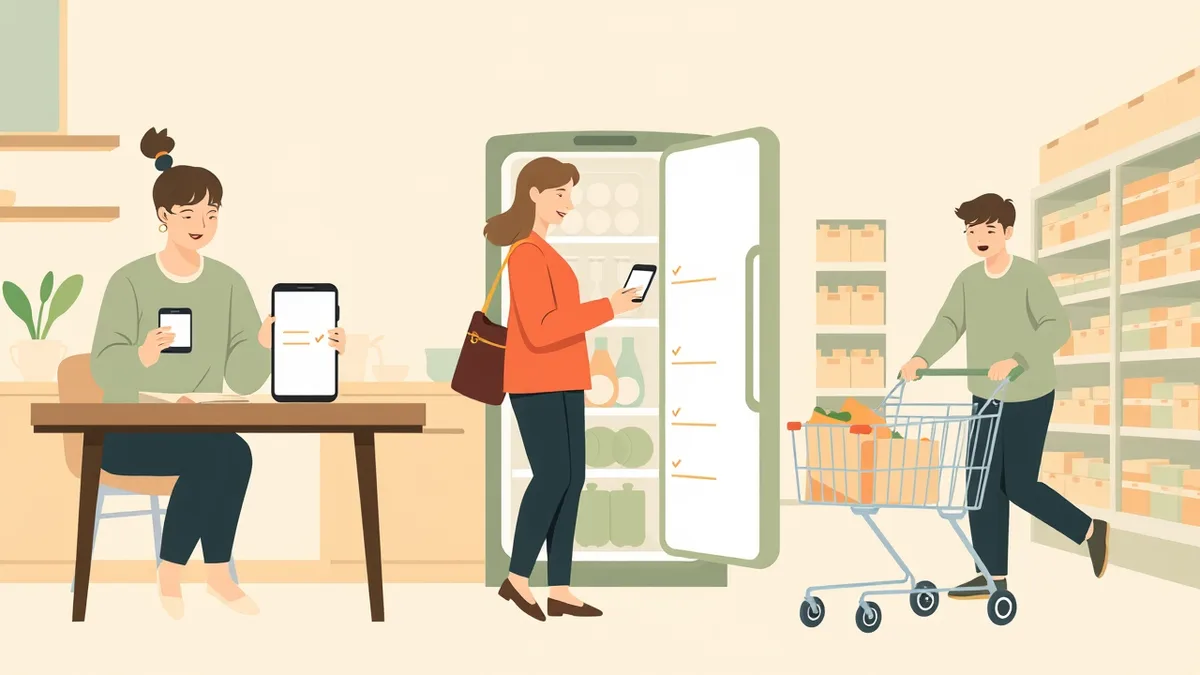
Most households know the routine. One person does the weekly shop, someone else handles a midweek top-up, and somewhere between the two, the milk gets bought twice and the bin bags get bought never. In the UK, that adds up fast: households bin 4.4 million tonnes of edible food a year, worth around £17 billion, or roughly £1,000 a year for a four-person home, and double-buying is a big part of that.
The fix is a shared shopping list app: one list, on everyone's phone, that stays in sync as anyone adds or ticks off an item. Your partner adds "tin foil" from the kitchen, and it's on your list by the time you check your phone in the aisle.
For mixed-device households, the deciding question is simple: does the list work as well for the person on Android as it does for the person on iPhone? A shared list stops being shared the moment one person has to wait for a sync, borrow someone else's phone or keep a backup note. That is why this guide gives extra weight to cross-platform support, in-store speed and whether the shopping list sits beside the rest of the household admin.
Most roundups of these apps are written for a global audience, so UK pricing, supermarket habits and category names can get lost. This guide compares the best shared shopping list apps available in the UK, with honest pros and cons, prices in pounds where available (accurate as of June 2026), and a straight answer on which one suits your household. If you want the deeper how-to on building the habit once you've picked an app, our shared grocery list app guide covers that side.
Which shared shopping list app should you choose?
Choose OneHaus if your shopping list needs to live beside shared reminders, chores and home tasks, not in another single-purpose app. It works natively on iPhone, iPad, Apple Watch and Android, and it can be updated through AI assistants via MCP when your hands are full. One 30-day trial covers the household before you move to a single paid household subscription.
Choose AnyList if recipe planning is your main job. Choose OurGroceries if you want the plainest possible shared list. Choose Bring! if picture tiles matter more than household organisation. Choose Google Keep only if a basic shared note is enough.
What makes a shared shopping list app actually good
Plenty of apps can hold a list. Fewer hold up to a busy household and a Saturday morning supermarket. Seven things separate the apps you keep from the ones you delete.
Sync that everyone trusts
The whole point is that when one person ticks off the cheese, everyone else's list catches up without duplicating or reappearing. If the sync lags or items reappear, people stop trusting the list, and a list nobody trusts is worse than a paper one stuck to the fridge. Testing the six apps below, the difference between a good app and a bad one showed up most when two of us edited the same list at once: the good ones merged both changes cleanly, while a couple of the weaker ones dropped an item or brought back something already ticked off, which is exactly the bug that sends a household back to paper.
It works offline, in the store
Supermarket signal is famously patchy. The middle of a large store, or anywhere near the freezers, can be a dead zone. A good app keeps working offline and syncs back up when you reach the car park. This is worth testing before you commit: walk to the back of your nearest large store, add an item, and see whether it survives the round trip.
Native apps for iPhone and Android
A shared list has to fit the phones your household already owns. If one person is on iPhone and another is on Android, avoid anything that works brilliantly for one side and feels bolted on for the other. The best setup is a native app on both platforms, with the same household list, the same invite flow and the same ability to add or tick off items without asking someone else to check. Apple Watch support is a bonus for the person walking the aisles because they can glance, tick and keep moving.
Sensible categories, ideally UK-shaped
Sorting the list by aisle is what turns a wander into a fast lap of the shop: fruit and veg first, then chillers, then the centre aisles. Several popular apps ship with US-centric categories out of the box ("produce", "deli"), which you can usually rename, but it's friction a UK household shouldn't have to think about.
Quick ways to add items
The fastest list is the one nobody dreads updating. Look for barcode scanning to add a product by pointing your phone at the empty packet, and hands-free adding so you can say "add washing-up liquid" with both hands full. Several of the dedicated apps here already support basic voice commands. OneHaus goes a step further with AI assistant integrations, so you can ask it to put something on the household list in plain sentences, not just fixed voice commands, without opening an app at all.
Budgeting and avoiding duplicates
Some apps let you attach prices and quantities so you can see a running total before you reach the till, which helps when you are watching the weekly spend. The bigger money-saver is simply not buying the milk twice, and that comes from one shared list everyone trusts rather than three private notes.
Fair pricing without per-person charges
A shared list should not cost more just because more of your household uses it. The apps below split into three camps: free with ads, a small paid upgrade for extras like recipes or removing ads, and OneHaus, which runs on a free trial and then a single subscription that covers everyone in the house. I have flagged what sits behind a paywall in each one.
The best shared shopping list apps in the UK compared
Here are six shared shopping list apps available to UK households, and where each one shines or stumbles.
Prices are accurate as of June 2026; check each app's own page for current figures.
| App | Best for | Price | Watch out for |
|---|---|---|---|
| OneHaus | Households who want shopping, reminders, chores and tasks in one shared place | 30-day free trial, then one paid household subscription covers everyone | Newer than the dedicated list apps, so fewer power-user list extras |
| AnyList | List power users and keen meal planners | Free; Complete is $9.99 a year for an individual or $14.99 for a household (check the UK App Store for the GBP price) | Web access and some features sit behind the paid tier; default categories are US-flavoured |
| OurGroceries | Simple, no-frills shared lists | Free with ads; small paid upgrade removes them | Dated design; default categories may need renaming for your shop |
| Bring! | Visual shoppers who like picture tiles | Free with ads; Premium is under £2 a month | Tiles get slow on long lists; promo content and offers can feel very continental |
| Google Keep | Couples who want zero setup | Free | No aisle sorting, no quantities, sharing is per-note and clunky beyond two people |
| Cozi | Families already living in the Cozi calendar | Free with ads; Gold is $39 a year (about £30) | Calendar history cap on the no-cost plan; very US-centric; basic shopping list |
None of the apps in this list plug directly into a supermarket basket, so you still tick items off as you shop or copy them across to a delivery order yourself. Some meal-planning tools do offer direct ordering, but they trade the simple shared list for a heavier app. If a one-tap basket is your priority, look at those; if a fast, reliable list everyone can edit is what you need, the apps below are built for that.
A few notes the table can't carry.
OneHaus treats the shopping list as one part of running the household rather than the whole app. Lists sync across your devices, anyone in the house can add or tick off items, and the same app holds your reminders, tasks and home inventory, so the "we've run out of bin bags" note lands in the same place as the list it belongs on. It works on iPhone, iPad, Apple Watch and Android, plus AI assistant integrations, so whoever is at the shop can use their phone while whoever is at home adds the thing they just remembered, or simply asks the assistant to add it hands-free. The honest trade-off: dedicated list apps have had a decade to pile up niche features, and OneHaus doesn't match every one of them yet.
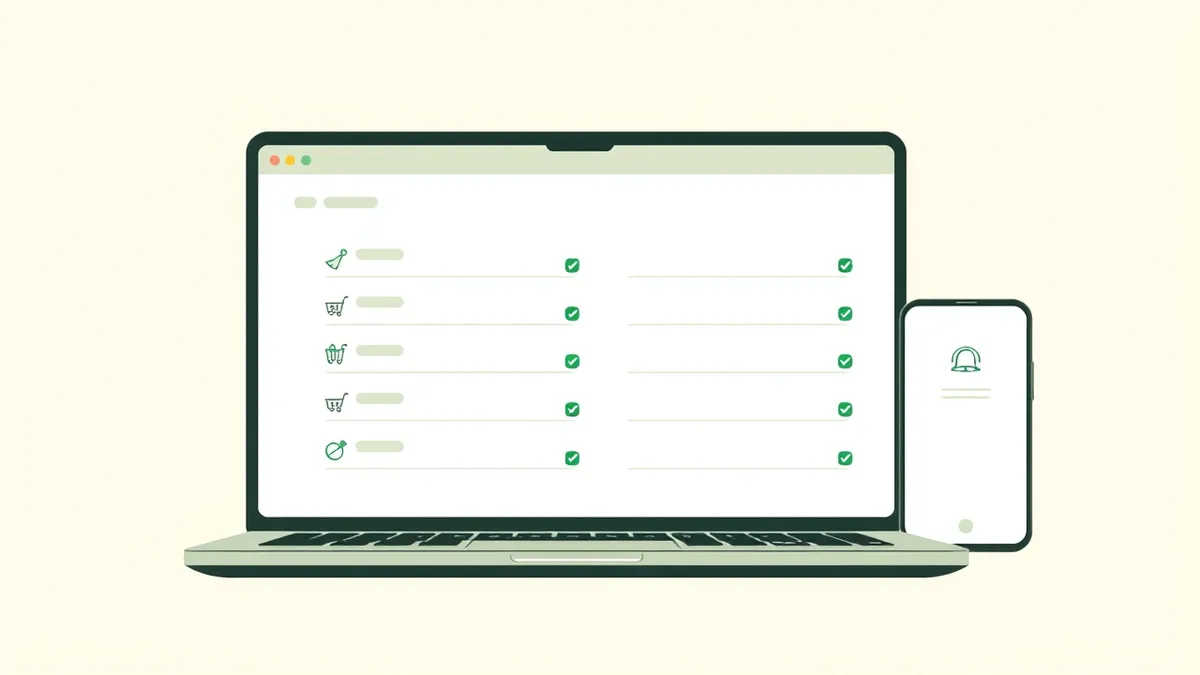
AnyList is the feature king. Recipes, meal plans, item photos, per-store lists. If you cook from recipes and plan the week's meals before the big shop, it earns its subscription. The free version does share and sync, but the browser version and several conveniences need AnyList Complete. See our full OneHaus vs AnyList comparison for the line-by-line detail.
OurGroceries has been quietly reliable for years. It does one thing, does it fast, and syncs dependably. The interface looks its age and the ads are persistent on the no-cost version, but plenty of households never need more. I've broken down how it stacks up in my OneHaus vs OurGroceries comparison.
Bring! is the prettiest of the bunch, with picture tiles instead of text. Lovely for a quick top-up shop, slower when you're working through forty items in a trolley. It's European-made, which helps with localisation, though the built-in offers and inspiration lean continental.
Google Keep is shared checkbox notes, not a shopping app, and some couples prefer exactly that. No new account, no learning curve. It falls over once you want categories, quantities or more than two people on the list.
Cozi bundles a shopping list into a family calendar app. If your family already runs on Cozi it's convenient, but as a standalone shopping list it's the weakest here, and the whole app assumes an American family's rhythm. Worth knowing before you commit: in 2024 Cozi tightened its free plan, capping the calendar at 30 days, so seeing further ahead now means paying for Cozi Gold at $39 a year (around £30).
Try OneHaus free for 30 days. Get one shared list the whole household can edit from iPhone, iPad, Apple Watch, Android or an AI assistant. Start your 30-day trial and have a list running before the kettle boils.
The verdict, by household
There's no single winner for everyone, so here's the honest steer.
For couples
Keep it simple. Google Keep if you want zero setup and a plain shared note, OneHaus if you'd like the shopping list to sit next to shared reminders and the rest of the life admin you're already splitting between you.
For families
OneHaus or AnyList. Families generate more than shopping lists: school reminders, the MOT, whose turn it is to empty the dishwasher. OneHaus keeps the shopping list in the same place as all of that, which is the difference between a list app and a household running smoothly. AnyList wins if meal planning is the heart of your week and you're happy paying for it. My wider grocery list app comparison covers more options and the habits that make a list stick.
For housemates
Bring! or OurGroceries. House shares mostly need a fast, low-commitment list for shared essentials like washing-up liquid and bin bags. Nobody wants to adopt a whole family organiser for a houseshare, and both of these are easy to abandon when the tenancy ends, which is honestly a feature.
If you want one list that the whole household can update from iPhone, iPad, Apple Watch, Android or an AI assistant via MCP, start your 30-day OneHaus trial and you'll have a shared list running before the kettle boils.
Frequently asked questions
What is the best value shared shopping list app in the UK?
For a pure shopping list, OurGroceries and Bring! both have ad-supported tiers, and Google Keep is very basic but easy. OneHaus takes a different approach: a 30-day free trial, then one paid household subscription covering lists, reminders, chores and tasks in the same app, with no per-person charges. It is the best value if you want more than a bare list, because it replaces several separate apps for the household.
Do shared shopping list apps work offline in the supermarket?
The good ones do. OneHaus, AnyList, OurGroceries and Bring! all keep your list available without signal and sync your ticks once you're back online. This matters more than it sounds: large UK supermarkets are full of dead zones, and an app that blanks by the freezers will get deleted within a week.
Can I share a shopping list between different phones?
Yes. Most of the apps here work across the major platforms, and OneHaus runs natively on iPhone, iPad, Apple Watch and Android, so everyone in the household can see and update the same list whatever device they're holding.
Can I sort my shopping list by supermarket aisle?
Most dedicated apps support categories you can order to match your usual route round the shop. One small setup snag: some apps ship with American category names by default, so budget ten minutes to rename "produce" to "fruit and veg" and reorder things to match your usual store.
Can I add items by voice or barcode?
A few apps let you scan a barcode to add a product, which saves typing the exact brand. Some of the apps here already work with voice assistants for basic commands. OneHaus also supports AI assistants via MCP, so you can ask it to add an item to the household list hands-free while you cook or unpack, without opening an app, in plain sentences rather than fixed commands.
Does a shopping list app connect to Tesco or Sainsbury's for delivery?
The shared list apps in this guide do not place a supermarket order for you; you tick items off in store or copy them into a delivery basket yourself. Some heavier meal-planning apps do offer direct ordering, but you give up the simple, fast shared list to get it. If a one-tap basket matters more than a list everyone can edit, those are worth a look.
Is it worth paying for a shopping list app?
It depends on what you want from it. If you only need a bare list, the ad-supported tiers cover it. Pay if you want a specific extra: AnyList Complete for meal planning, Bring! Premium or the OurGroceries upgrade to remove ads. With OneHaus, one paid subscription covers the whole household after a 30-day free trial, which works out well if it replaces a separate list, reminders, chores and tasks app.